Switching to a new phone: what happens to your eSIM profile
A physical SIM card is simply removed from an old phone and put into a new one. With eSIM, the process is different, because the profile is digitally tied to the specific device's EID number.
In this article we explain what happens to your eSIM profile when you switch phones and how to avoid being left without internet while travelling.
Why eSIM doesn't just 'move' on its own
An eSIM profile is a digital record installed on the eUICC chip inside a phone, and it's tied to that specific device's EID number. When you get a new phone, it has its own, different EID number, so the old profile can't simply be transferred like a physical card.
Transferring an eSIM profile within the same brand (e.g. iPhone to iPhone)
When switching from one iPhone to another, Apple offers an eSIM transfer option during the new phone's setup process (Quick Start), which in some cases automatically transfers existing eSIM profiles.
However, this option doesn't always work for every plan and every operator, so it's safest to check in advance whether your eSIM plan supports it, or be ready to install a new profile.
What if the transfer fails or you're switching brands
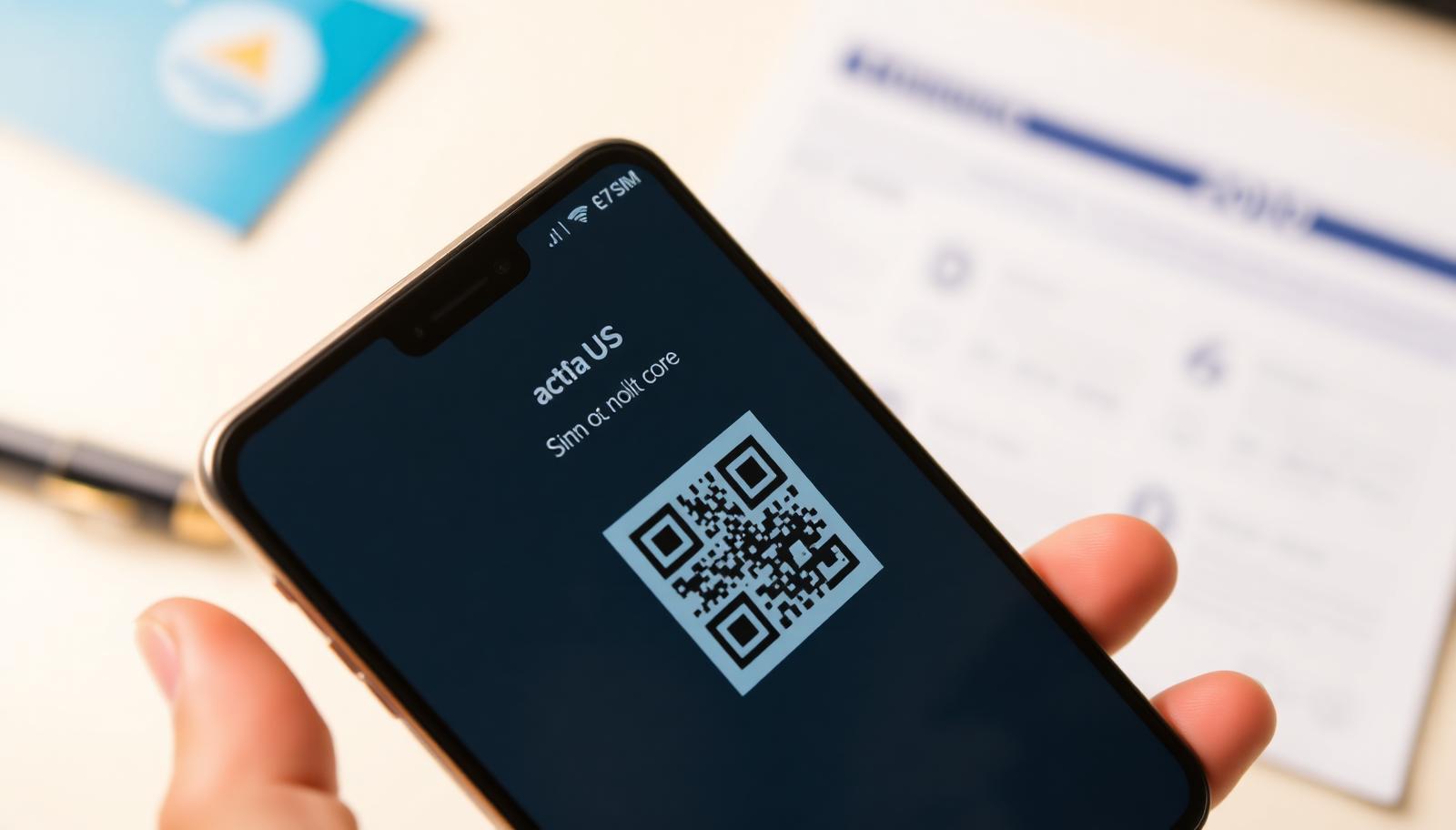
If you're switching from Android to iPhone, or vice versa, or if the automatic transfer fails, you'll need a new QR code to install the eSIM profile on the new device.
- Contact the seller of your eSIM plan (e.g. via your GoConnect account)
- Request the QR code be reissued for the new device
- Install the new profile using the same process as the first time
Does the old eSIM profile still work on the old phone
Once the new profile is activated on the new device, the old profile on the previous phone is usually deactivated, since most operators only allow one active profile per plan at any given time.
Planning the switch before travelling
If you plan to buy a new phone right before travelling, it's best to set up the new device and eSIM profile at home first, with stable Wi-Fi, rather than trying to do it in a rush at the airport or abroad.
What to do if you lose access to your old eSIM profile
If you've lost access to the old profile before installing a new one, contact support with your purchase details so they can help reissue the profile for your new device.
Frequently asked questions
Can I transfer an eSIM profile from Android to iPhone?
Automatic transfer usually only works within the same brand. Switching brands typically requires a new QR code.
What if I lose or break my phone while the eSIM is active?
Contact support with your purchase details so they can help reissue the profile for your new device.
Do I pay again for a new QR code on the new phone?
It depends on the plan's terms – it's best to check with support before assuming an extra charge.
How long does eSIM installation take on a new phone?
Usually just a few minutes, with a stable Wi-Fi connection during profile download.