eSIM for iPhone: supported models and setup
Every iPhone from XR and XS onward supports eSIM, and US iPhone 14 models are eSIM-only. With Dual SIM you keep your own number for calls and use the eSIM for data abroad.
iPhone XR/XS and newer Dual SIM 2-minute setup No physical SIM
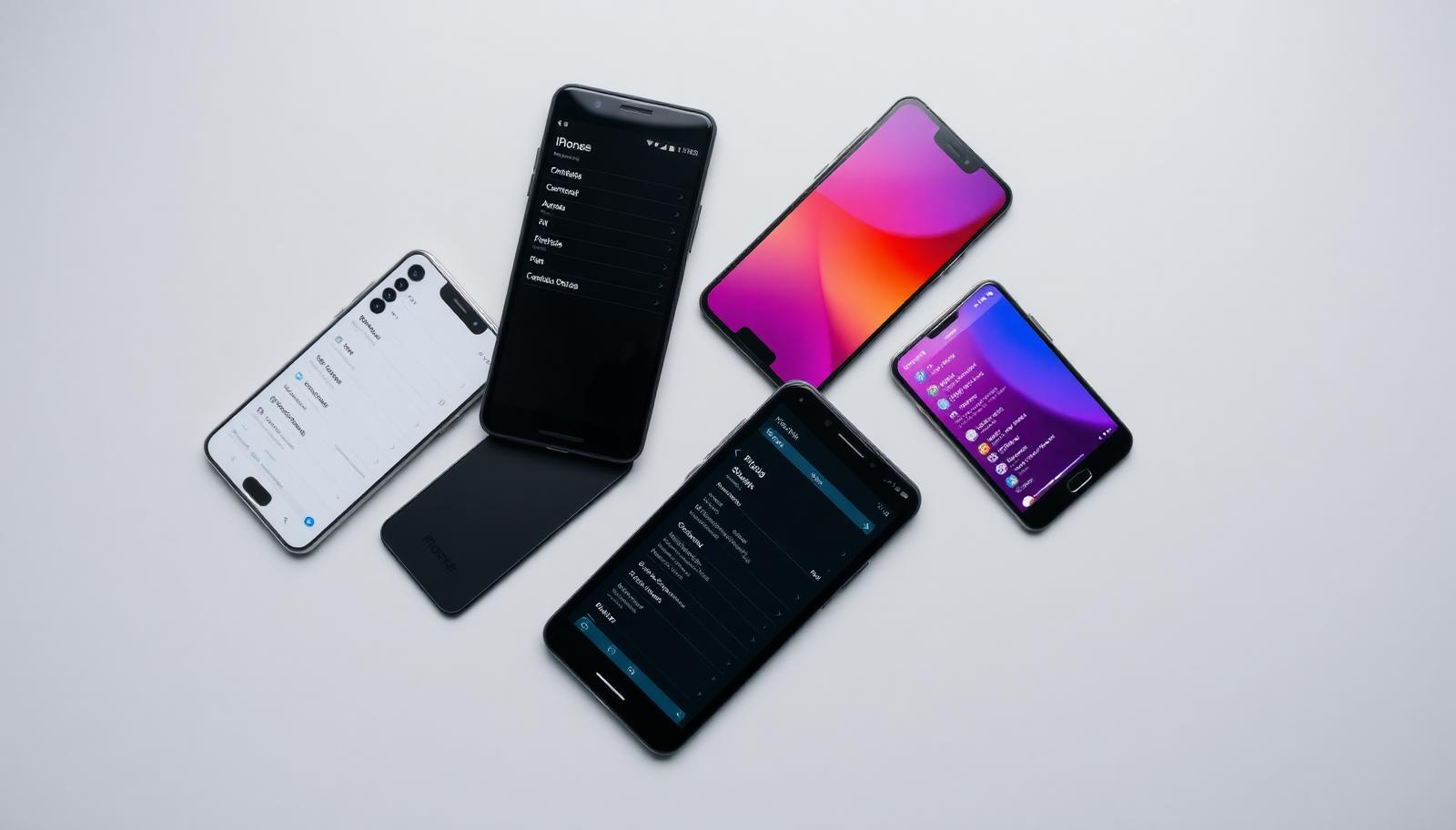
Check eSIM support
Dial *#06# and look for an EID, or open Settings → General → About. The phone must not be carrier-locked.
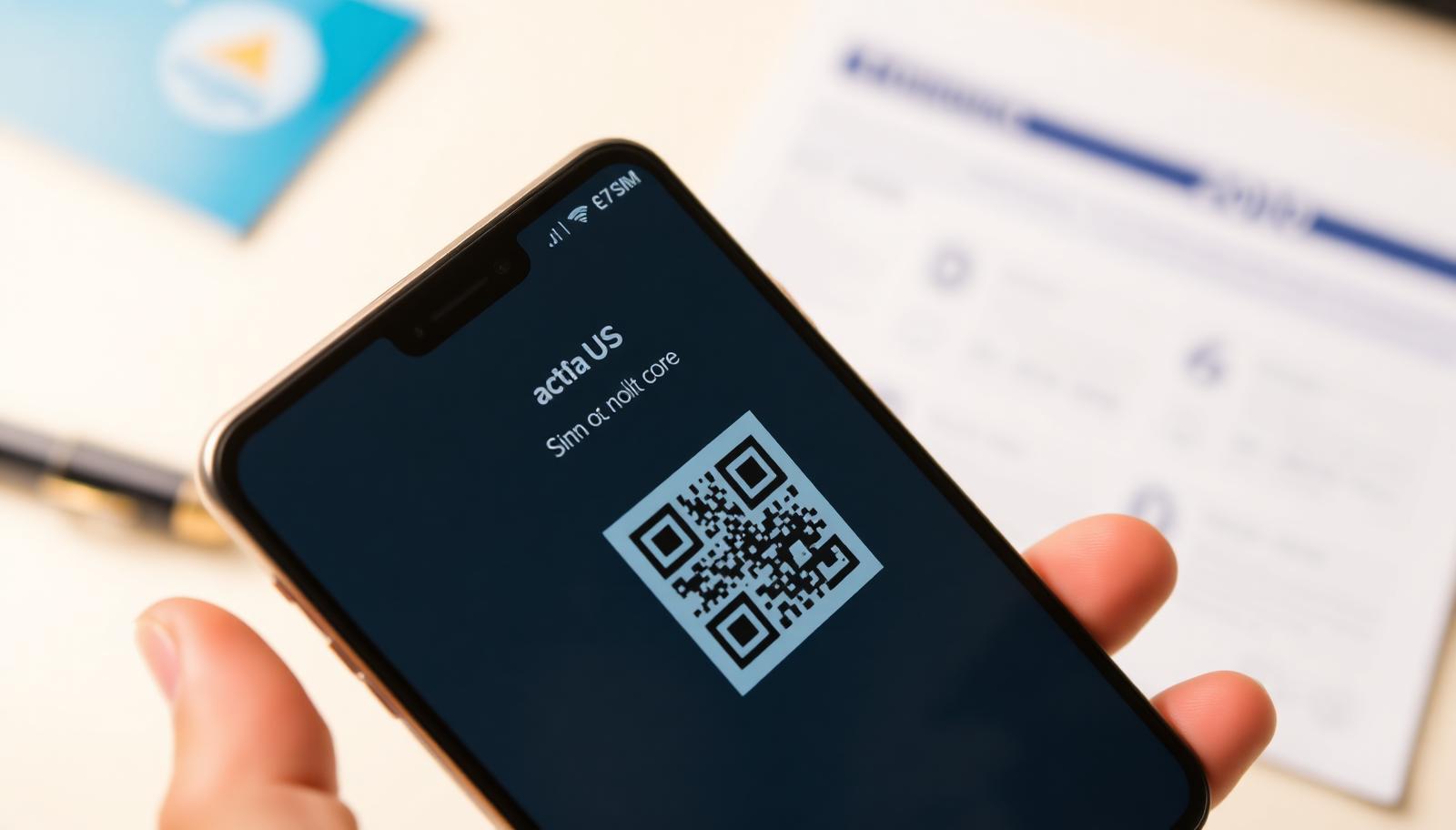
Adding the profile
- Settings → Cellular → Add eSIM → Use QR code
- Label the line, e.g. "Travel"
- Select the eSIM for mobile data
- Enable Data Roaming on the eSIM line only
Tips
- Turn off "Allow Cellular Data Switching" so the iPhone cannot fall back to expensive roaming.
- Keep iMessage and FaceTime on your main number.
- Do not delete the profile while the plan is active.
Frequently asked questions
Does iPhone SE support eSIM?
Yes, 2nd and 3rd generation SE models do.
Can I move an eSIM to a new iPhone?
Profiles are device-bound; a new profile is usually required.
How many eSIMs can iPhone hold?
Several stored profiles, typically two active at once.
Buy a planSupport daily until 22:00 · WhatsApp +387 62 862 577