eSIM for Hajj and Umrah: mobile data in Makkah and Madinah
During Hajj and Umrah mobile data keeps you with your group, on schedule for prayers, and able to call home or share your location in a crowd. Install the eSIM before you travel and you are online the moment you land in Jeddah or Madinah.
No physical SIM card, no airport queue for a local operator, and no roaming surprise on your bill afterwards.

Current plans and prices
Prices come live from our system and match checkout exactly – no hidden fees.
Why pilgrimage groups choose eSIM
- The whole group can use the same plan at the same price.
- No queueing for a local SIM after a long flight.
- Keep your home number for calls and WhatsApp while data runs over the eSIM.
- Track usage in the app and top up only if you need more.
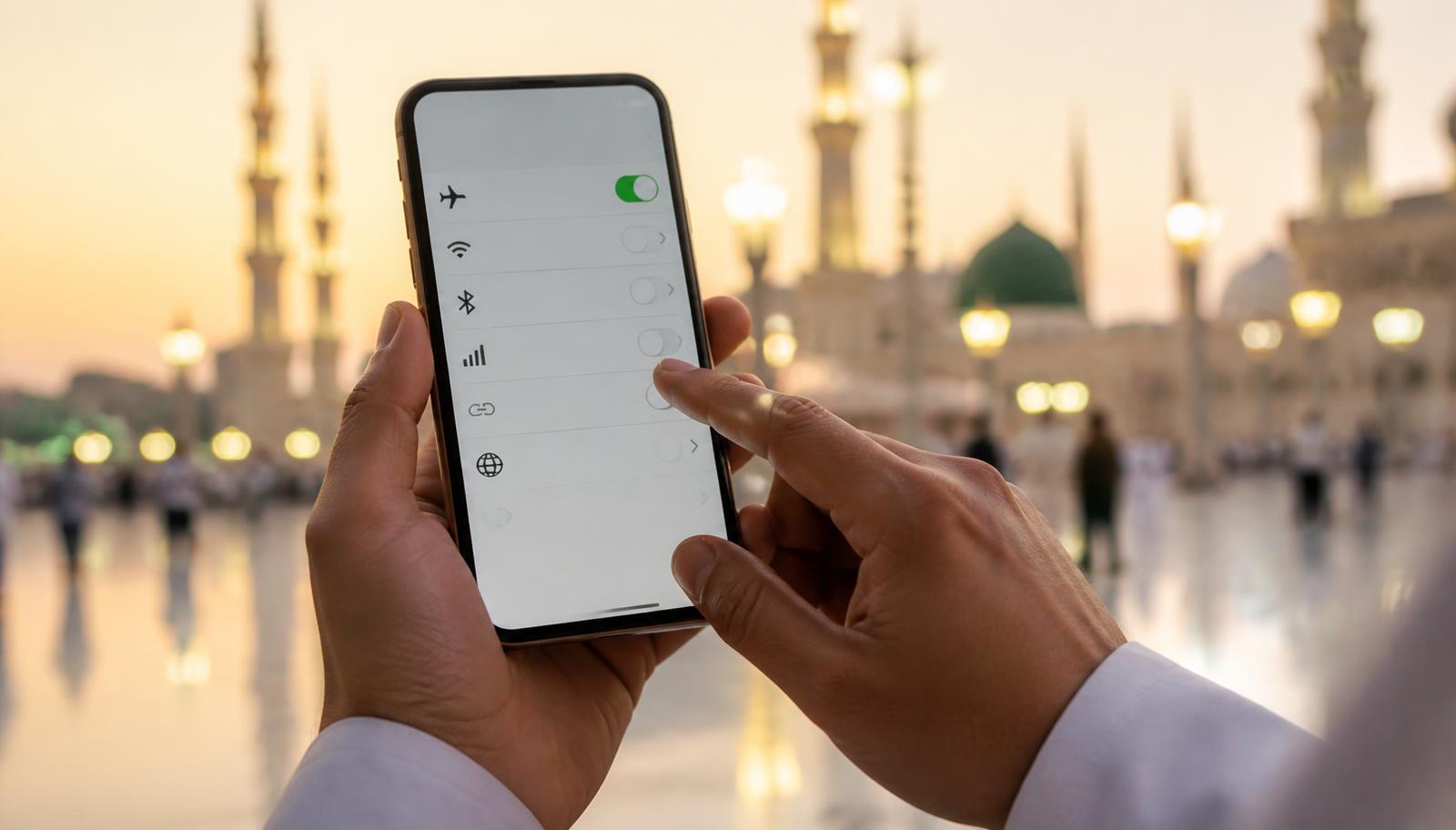
How much data do you need?
For messaging, calls and maps, 1 GB is usually enough for 7–10 days. If you share videos from the Haram daily, plan for 3–5 GB, and for a 20–30 day stay choose a larger plan or top up along the way.

How to activate your eSIM in 3 steps
Install it at home over WiFi and switch the line on when you land. Data roaming must be enabled on the eSIM line – without it no eSIM will get you online.
- 1. Pick a plan and pay online by card – no shipping, no waiting.
- 2. You receive an installation QR code by email and in your account.
- 3. Scan the QR code, enable the eSIM line and turn on data roaming.
Does my phone support eSIM?
Dial *#06# on your phone. If you see an EID number next to the IMEI, your phone supports eSIM. The phone also must not be carrier-locked.
Supported devices include iPhone XR/XS and newer, Samsung Galaxy S20 and newer, Google Pixel 3 and newer, plus most recent Huawei, Xiaomi and Motorola models.
Frequently asked questions
Does the eSIM work in Makkah and Madinah?
Yes. It connects to local Saudi networks across Makkah, Madinah, Jeddah and the roads between them.
Can I still receive calls on my own number?
Yes. Keep your physical SIM active for calls and SMS and use the eSIM for data only.
When should I install it?
Install it at home over WiFi a day or two before departure and enable it after landing.