eSIM for Android: Samsung, Pixel, Xiaomi and more
Most recent Android phones support eSIM: Galaxy S20 and newer, Z Flip and Z Fold, Pixel 3 and newer, plus many Xiaomi, Huawei, Motorola and Oppo models. Dial *#06# and look for the EID.
Galaxy S20+, Pixel 3+ Dual SIM QR install No contract
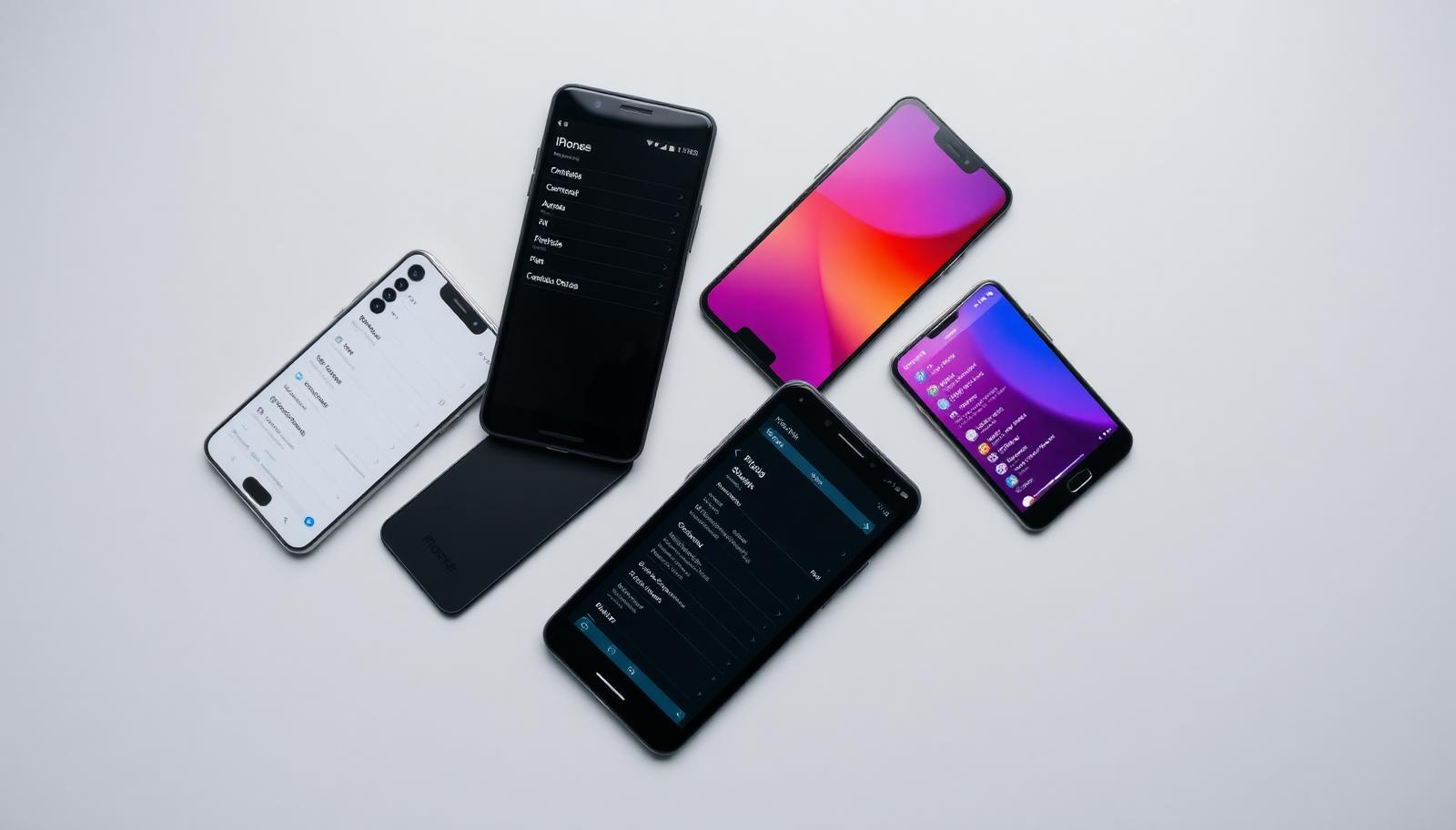
Samsung setup
- Settings → Connections → SIM manager → Add eSIM
- Scan the QR code
- Set the eSIM as data line
- Enable Data Roaming
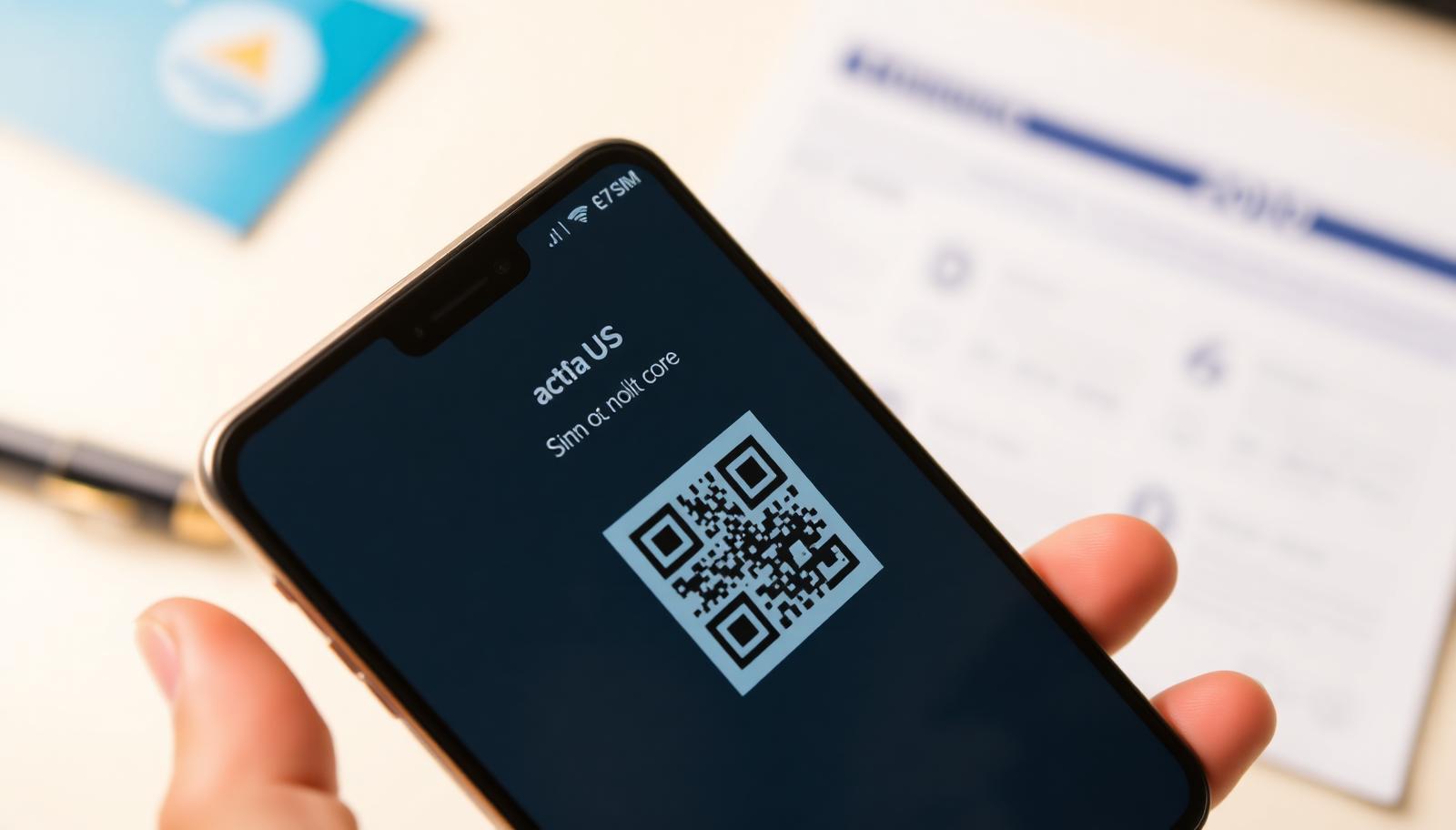
Pixel and other brands
On Pixel: Settings → Network & internet → SIMs → Add eSIM. Menu names differ on Xiaomi and Oppo, but the steps are the same.
If it will not connect
- Check roaming is on for the eSIM
- Check data uses the eSIM
- Restart or select the network manually
- Make sure the phone is not carrier-locked
Frequently asked questions
Does the Galaxy A series support eSIM?
Some newer A models do – check *#06# for an EID.
Can two eSIMs be active?
Most Androids run one eSIM plus one physical SIM at a time.
No EID shown?
Then the phone has no eSIM support and needs a physical SIM.
Buy a planSupport daily until 22:00 · WhatsApp +387 62 862 577