How to Save and Reinstall an eSIM QR Code
The eSIM QR code follows one sensitive rule: by default it can only be successfully scanned and installed once. That's why it's important to know how to save it and what to do if you need to reinstall it due to a phone switch or mistake.
In this guide we explain where the QR code is stored, what a safe backup looks like, and when you need to contact support to have it resent.
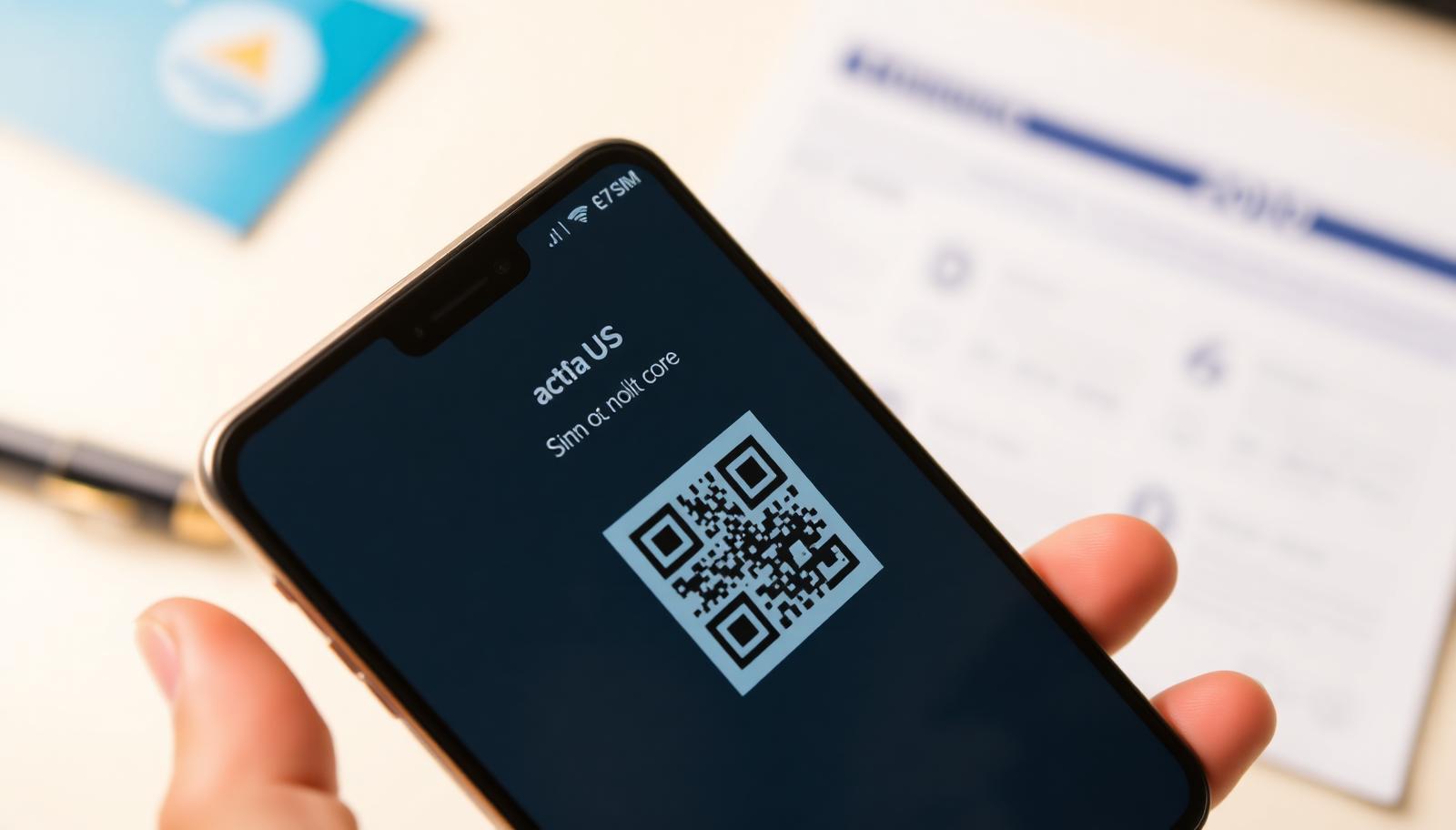
Where the QR code is after purchase
Right after purchase, the QR code arrives at the email you used during checkout. The same code is also available in your GoConnect account on the dashboard, under your purchased plans, so you have two places to find it.
How to save the QR code just in case
We recommend saving a picture of the QR code to your phone's gallery or printing it before travelling, especially if you're heading somewhere with poor internet access where reaching your email or dashboard might be difficult.
- Save a screenshot or photo of the QR code to your phone's gallery
- Download the email with the QR code for offline access
- Remember or save your account details for dashboard access
- Avoid deleting the QR code email before the eSIM expires
Why the QR code can't be scanned twice
For security reasons, once installed a profile is tied to the specific device and that phone's EID number. This prevents someone else from using your QR code after you've already installed it, but it also means an accidentally deleted profile isn't always easy to restore on your own.
What to do if you deleted the profile by mistake
If you delete the eSIM profile from your phone before the plan expires, contact support via WhatsApp at +387 62 862 577 with your purchase details. In most cases the QR code can be regenerated and resent for the remaining valid portion of your plan.
Switching phones during a trip
If you switch phones while the eSIM is still active (for example due to damage or loss), the profile stays tied to the old device and doesn't transfer automatically. Contact support as soon as possible to check options for transferring the remaining plan to a new device.
When reinstallation isn't possible
If the plan has already expired by date or all its data has been used, reinstalling doesn't change that status — in that case the solution is buying a new plan or a top-up, not resending the same QR code.
Frequently asked questions
Can I scan the same QR code on two phones?
No, once installed a profile is tied to that specific device and can't be reused on another without support's help.
What if I lost the email with the QR code?
Log in to your dashboard, where the same code is available under your purchased plans.
Can I request a new QR code after the plan expires?
No, resending a QR code only makes sense while the plan is still valid by date and data.
How fast does support respond to a resend request?
Live support is available daily until 10pm, and AI chat is available 24/7 for quick first help.