Pre-trip checklist: phone, eSIM, documents and backup
Packing your suitcase is only part of the story. Preparing your phone and digital essentials matters just as much, and it's easy to forget at the last minute.
Here's a practical list to go through a day or two before your trip.
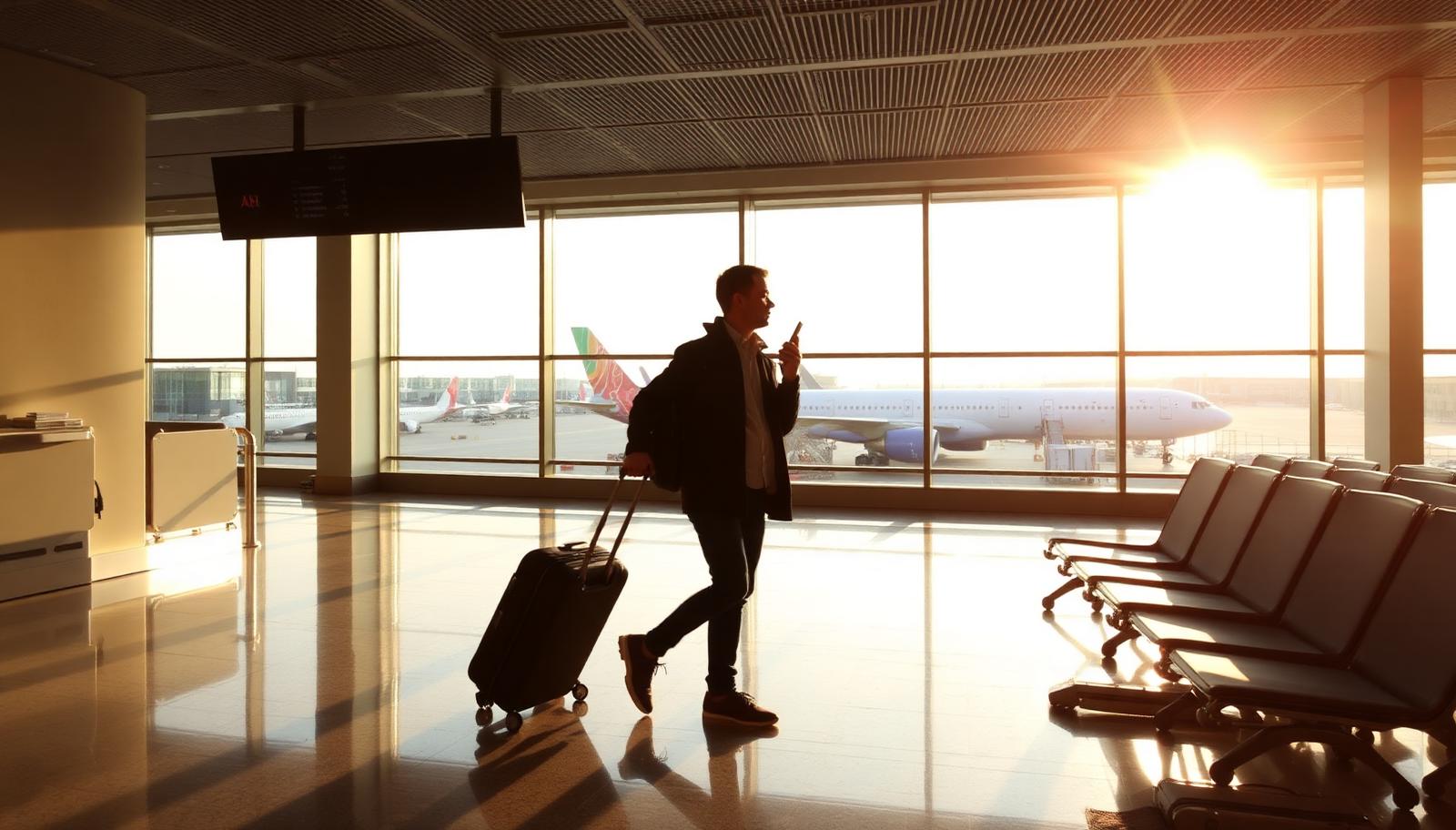
Phone check
- Check that your phone isn't carrier-locked
- Dial *#06# and confirm the phone shows an EID code (needed for eSIM)
- Make sure you have enough free storage for photos and apps
- Update your phone's operating system while still on home WiFi
eSIM preparation
- Buy your eSIM plan ahead of time and keep the QR code saved in your email
- Scan the QR code while on WiFi, either before the trip or right after landing
- Enable the eSIM line in your phone settings
- Make sure data roaming is turned on, without it the eSIM won't work abroad
Documents and access
Digital copies of your documents can save the trip if you lose physical ones. Also make sure you can access important accounts without relying on your home network.
- Scan your passport, ID and driver's license and save them safely (cloud + phone)
- Check that two-factor authentication works without your home number, ideally via an app
- Save the embassy contact and local emergency number for your destination
Backup and digital security
Before your trip is a good time to back up photos and important files, so you don't lose data if something goes wrong with your device.
- Turn on automatic photo backup over WiFi before you leave
- Save your passwords somewhere secure (a password manager)
- Save GoConnect's support contact (WhatsApp +387 62 862 577)
Travel day
On the day itself, just make sure the eSIM line is turned on and data roaming is active as soon as you land. Everything else should already be ready from the previous steps.
Frequently asked questions
What is an EID and why does it matter?
The EID is a unique identifier for your phone's eSIM chip, checked via *#06#, needed for some activations.
When should I scan the eSIM QR code?
You can do it before the trip on WiFi, just enable the line only when you're ready to use it.
Do I need a physical SIM as backup?
Not necessary with an eSIM, but some travelers like to keep their home SIM for emergencies.
What if my eSIM doesn't work after landing?
Check that data roaming is on; if the issue continues, contact support via WhatsApp or the 24/7 AI chat.